
Sharing the Progress Bar Countdown Timer
Behind the Scenes, Developing the Progress Bar Countdown Timer Flutter Package
At Hexa Studios, we've used packages and open source software wherever possible. Recently, I had the opportunity to work on a new Flutter package that I'm excited to share: Progress Bar Countdown. This package creates an animated linear countdown timer that mimics the style of a progress bar — perfect for apps needing a visual timer interface.
The Idea Behind Progress Bar Countdown
The idea originated from an app concept I'm working on, but the applications of this widget are varied. Whether it’s a timed quiz, task timer, or countdown to an event, the goal was to provide a fully customizable and easy-to-integrate solution. While there are many countdown timers available, the combination of a progress bar animation and countdown text adds an extra level of clarity and user engagement.
Key Features
As I built out the package, I focused on creating a feature set that would make the countdown adaptable to different use cases:
- Forward and Reverse Countdown Timer: Whether you're counting up or down, the package supports both, providing versatility across app types.
- Start, Pause, Resume, and Reset: These control functions were essential for real-time interaction. It’s not just about a countdown running from start to finish; users can pause and resume based on their needs.
- Customization Options: I wanted the timer to match the style of any app, so the package includes customizable colors, progress direction, and text display options.
- Text Display: Developers can choose whether to display the countdown text or keep it hidden. Plus, the package allows for different styles of text and background colors, making the visual transition smooth as the countdown progresses.
- A Text Formatter: Developers can add their own text formatter to replace the default seconds countdown.
Here’s an example GIF of the Progress Bar Countdown in action:

Development Process
During the development phase, I focused on making the API simple and developer-friendly. Here’s a brief look at some of the parameters and their impact:
initialDuration: Developers set the timer duration in a flutterDuration(), and from there, the countdown either progresses or regresses based on user input.progressColor&progressBackgroundColor: To allow developers full control over the visual appeal, these parameters let you define the primary progress color and its background.controller: A ProgressBarCountdownController was crucial to give developers programmatic control. This opens up possibilities for pausing, resetting, or even dynamically changing the countdown duration.
Challenge: Smoothing Out Animations
One of the trickier parts of development was ensuring that the animations remained smooth across different devices and screen sizes. The solution came down to optimizing Flutter’s built-in AnimationController and testing across various conditions to reduce stuttering, especially when changing the progress direction or pausing and resuming the countdown.
Example Usage
Here’s a quick code snippet that shows just how easy it is to implement:
ProgressBarCountdown(
  initialDuration: 60,
  progressColor: Colors.blue,
  progressBackgroundColor: Colors.grey[300]!,
  initialTextColor: Colors.black,
  revealedTextColor: Colors.white,
  height: 40,
  textStyle: TextStyle(fontSize: 20, fontWeight: FontWeight.bold),
  countdownDirection: ProgressBarCountdownAlignment.left,
  controller: ProgressBarCountdownController(),
  autoStart: false,
  onStart: () => { debugPrint("Countdown Started") },
  onComplete: () => { debugPrint("Countdown Completed") },
  onChange: (changeValue) => { debugPrint("Change Value: $changeValue") },
  timeFormatter: (Duration remainingTime) {
    final minutes = remainingTime.inMinutes
        .remainder(60)
        .toString()
        .padLeft(2, '0');
    final seconds = remainingTime.inSeconds
        .remainder(60)
        .toString()
        .padLeft(2, '0');
    final milliseconds = (remainingTime.inMilliseconds % 1000 ~/ 10)
        .toString()
        .padLeft(2, '0');
    return '$minutes:$seconds:$milliseconds';
  },
)
Try It Out
You can find the package on pub.dev, FlutterGems (a great source for finding unique and open source plugins) or check out the full source code on GitHub.
| Link | URL |
|---|---|
 | https://pub.dev/packages/progress_bar_countdown |
 | https://github.com/Hexa-Studios/progress_bar_countdown |
 | Hexa Studios Docs |
 | Flutter Gems |
If you’re looking for an easy way to add animated timers to your Flutter app, give Progress Bar Countdown a try and let me know what you think!
Other Recent Posts
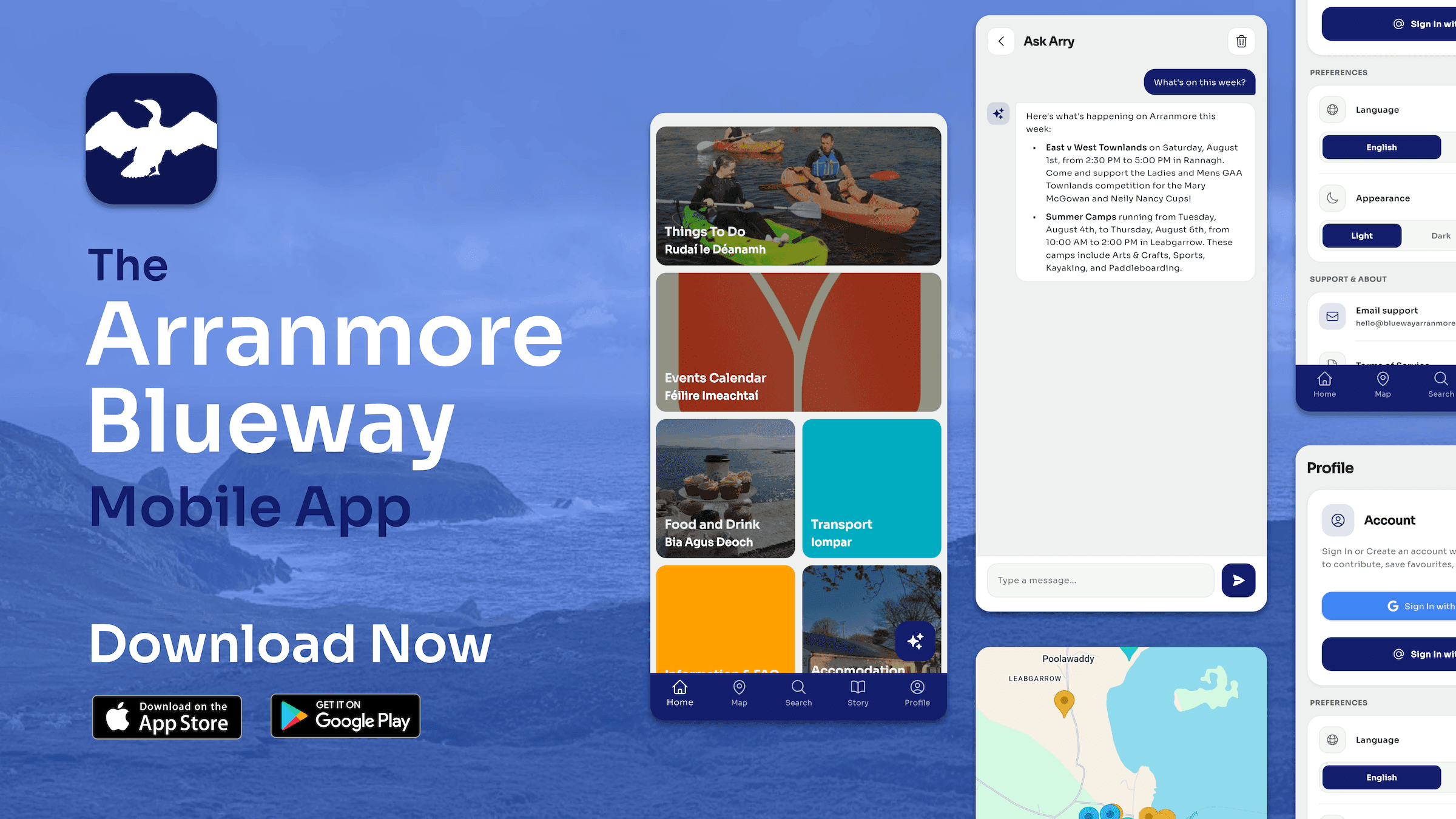
Blueway Arranmore Is Live
Everything that was great about Seo Árainn Mhór, with a brand new look and an AI agent called Arry who knows the island inside out.
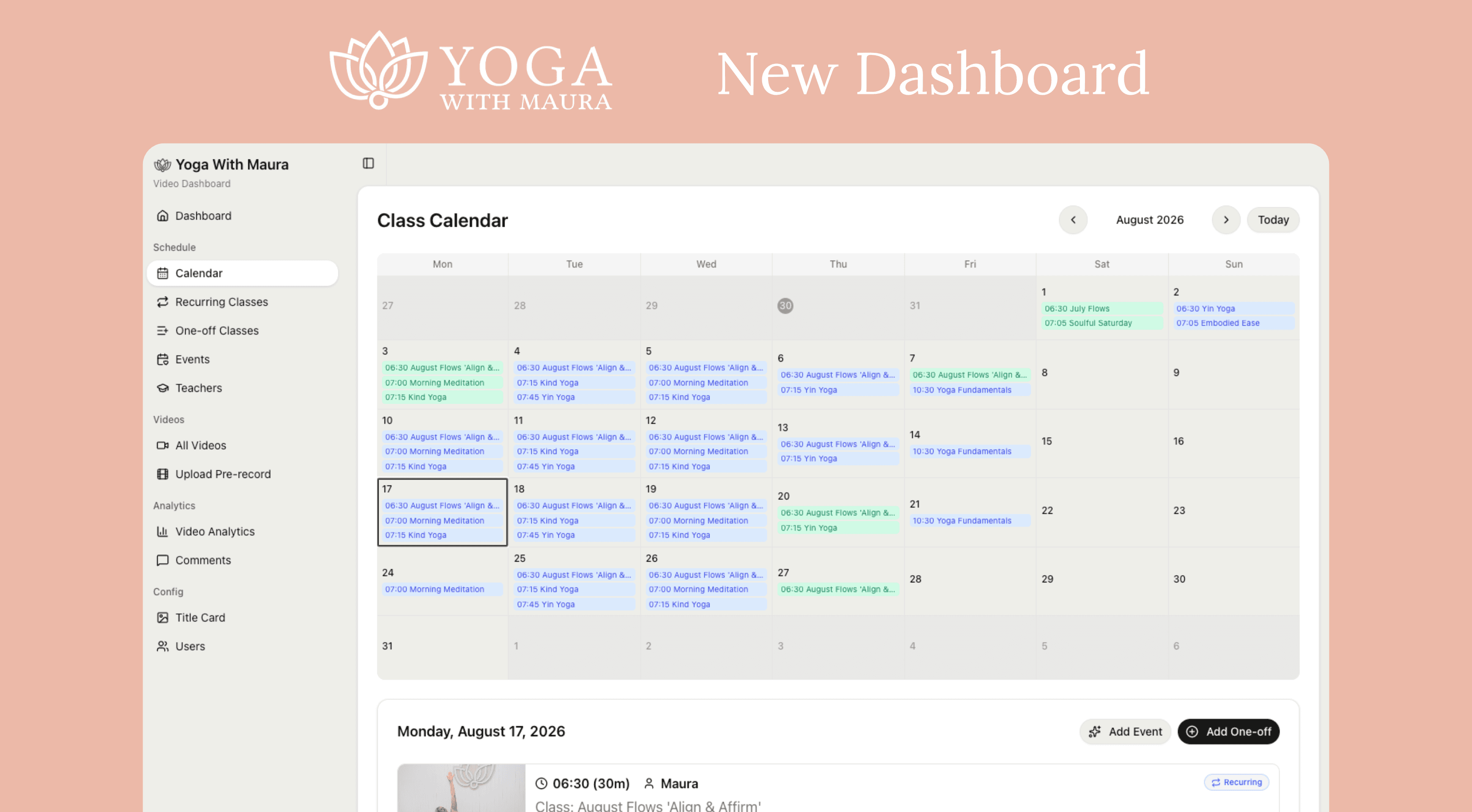
Improving Maura's Online Yoga Studio Workflow
We've been working with Maura for years and have built a tool to make her workflow simpler so she can get focus on her yogis.